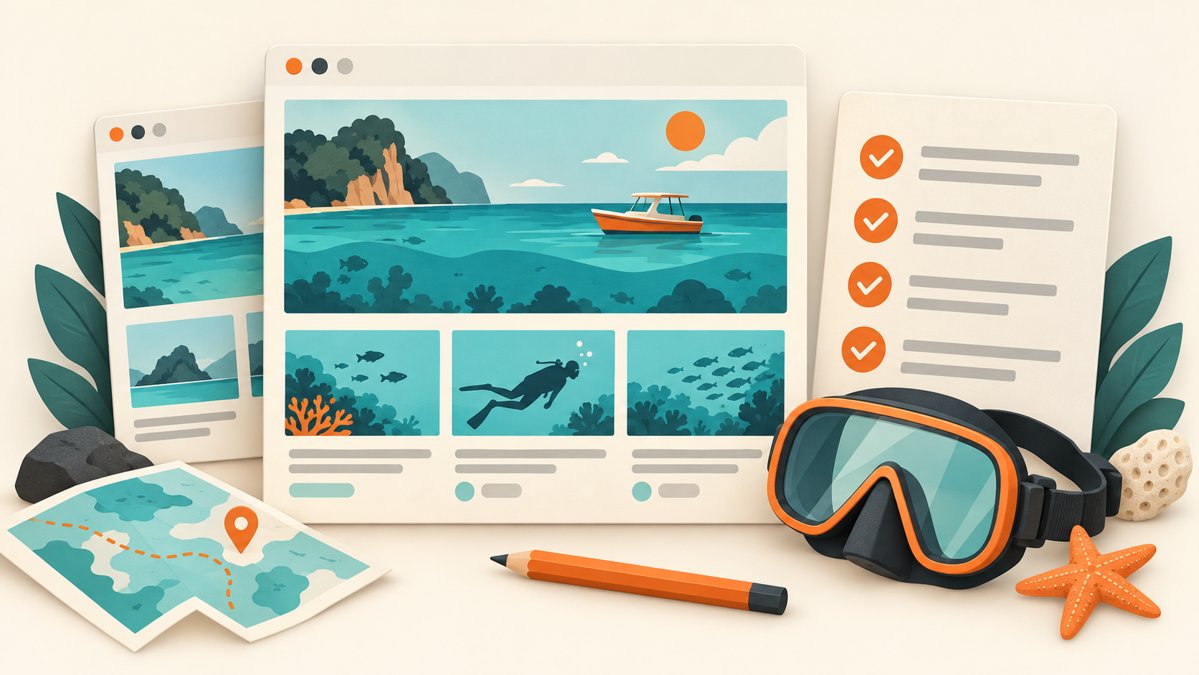
A tour page should help someone understand an activity before asking them to enquire or book. Attractive images can introduce the experience, but they cannot explain an unclear price, a missing meeting arrangement or whether submitting a form confirms a place.
Use the page as a practical decision aid. The following checklist is an editorial planning tool, not a statement of legal requirements or advice about operating a tour.
Describe the actual experience
Explain what the visitor will do, where the activity takes place and the sequence of the experience where it is known. Use the operator's confirmed details. Do not fill gaps by copying a similar tour or assuming that a familiar activity has a standard itinerary.
If times depend on season or conditions, explain that accurately rather than displaying a precise timetable that the operator has not approved.
Put inclusions beside exclusions
List what the price includes, then identify important items a customer must arrange or pay for separately. Transfers, equipment, meals and admission fees should not be implied by a photo or a broad phrase such as "full experience".
Where a detail is not confirmed, keep it in the editorial question list until the operator answers it. A placeholder should not become a customer promise.
State the price unit
A number needs a currency and a unit. The page should make clear whether it is per person, per group, per vehicle or another confirmed basis. Explain relevant age bands or shared-capacity options without making visitors calculate from ambiguous labels.
Check that the displayed explanation agrees with the booking system. Clear copy cannot fix a checkout that charges on a different basis.
Explain meeting and transfer arrangements
Tell readers where to meet or how pickup is arranged, using details approved by the operator. If pickup depends on hotel area, say how a customer confirms eligibility rather than implying that every location is included.
Use images of the actual activity when available and permitted. Generic images should not imply a particular boat, vehicle or facility is guaranteed.
Distinguish enquiry from confirmation
A message form, WhatsApp link and live booking checkout are different steps. Describe what happens when the visitor uses the control. Do they send a request, reserve a place or complete payment?
Keep the call to action consistent with the real process. Do not label a request as a confirmed booking if another person must still check availability.
Test the page as a visitor
On a phone, find the price, inclusions and next action without zooming. Follow the important links and check that headings describe their sections. W3C recommends meaningful headings and link labels; those are useful tools for a long activity page.
Before publishing, have the operator approve the factual checklist and compare it with the booking settings. A useful tour page connects accurate information with a clear next step, rather than relying on enthusiasm to hide missing details.
Editorial sources: https://www.w3.org/WAI/tips/writing/ supports headings and meaningful links. https://developers.google.com/search/docs/fundamentals/seo-starter-guide supports useful, organised content. Tour-specific items are editorial questions to confirm with the operator, not universal rules or claims about a particular activity.